... registered accounts

Browse Safely.
Stay Protected.

Advanced anti-phishing protection that works in real-time. We watch the web so you don't have to worry.

0 Saved Scan Records
0 Risky Links Detected
Show. Share.
Stay Safe.

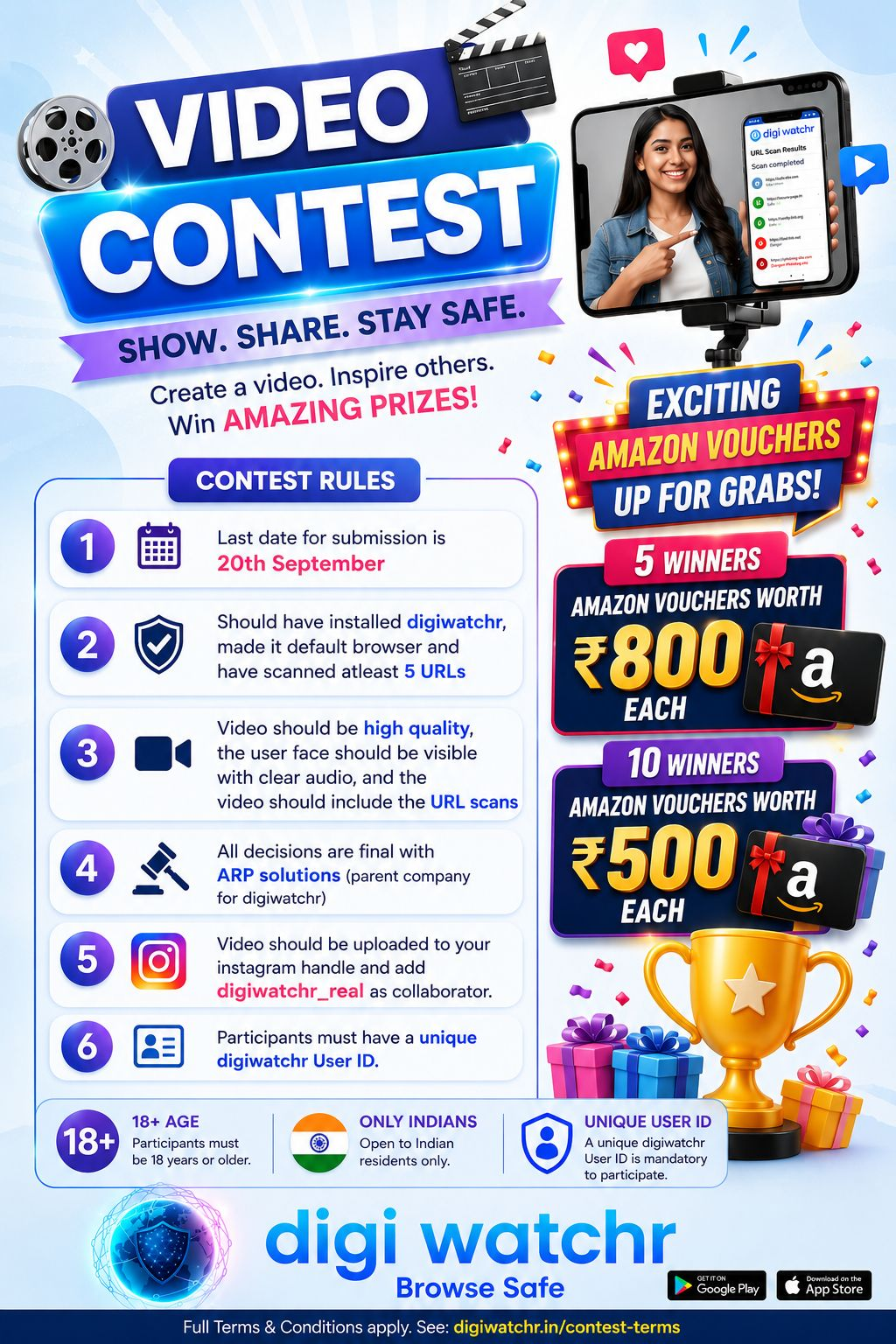
Create a video showing how you use digiWatchr and win exciting Amazon Vouchers!

DigiWatchr Video Contest – Show. Share. Stay Safe.

Contest Rules

  1. 1 Last date for submission is 20th September 2026
  2. 2 Must have installed digiWatchr, made it default browser and scanned at least 5 URLs
  3. 3 High quality video — face visible, clear audio, must include URL scans
  4. 4 All decisions are final with ARP Solutions (parent company of digiWatchr)
  5. 5 Upload to your Instagram and add @digiwatchr_real as collaborator
  6. 6 Participants must have a unique digiWatchr User ID
5 Winners
₹800 Amazon Voucher each
🥇
10 Winners
₹500 Amazon Voucher each
🥈

Instagram Disclaimer: This contest is not sponsored, endorsed, administered by, or associated with Instagram (Meta Platforms, Inc.).

Full Terms & Conditions apply.  See contest-terms →

Complete Protection,
Zero Compromise

Everything you need to browse the web with confidence

Real-Time Threat Detection

Check links submitted to digiWatchr for phishing indicators before deciding whether to open them.

⚠ suspicious-site.com BLOCKED

Link Scanning

Paste or share a link with digiWatchr to check it. Supported links opened through the app are checked before proceeding.

Privacy Dashboard

Review saved scans and risk categories, and manage your scan-history settings in one place.

Cross-Platform

Available on Android and iOS — both live now. Supported checking and browsing features vary by platform.

Three Steps to
Total Protection

01

Install digiWatchr

Download the digiWatchr app from the Google Play Store. Takes less than 30 seconds.

02

Browse Normally

We work silently in the background. No interruptions, no slowdowns. Just safe browsing.

03

Stay Protected

Review the safety result before opening a checked link, and see your saved scan statistics in the app.

🔍
0
Saved Scan Records
🛡️
0
Risky Links Detected
🔒
0
Registered Accounts

Statistics loading…

Questions?
We've Got Answers

Phishing is a cyber attack where malicious actors create fake websites or send deceptive messages to steal your personal information. digiWatchr checks submitted links using AI analysis and known-threat lookups. It warns about risky or unclear results; it does not monitor every page in other apps or guarantee that a link is harmless.

digiWatchr checks submitted links using online analysis. Checking time depends on your connection and the analysis service. If a check is unavailable, try again; an incomplete check is not a guarantee of safety.

Submitted links are sent to our analysis services. When scan history is enabled, your scans are saved to your account. Turn history off in the app to stop saving new personal scan records. See our privacy policy for account data and service-provider details.

digiWatchr is available on both Android (Google Play) and iOS (App Store) — both platforms are live and available for download now. You can paste or share links for checking; supported default-browser and in-app flows vary by platform. It does not monitor every page across all apps.

Ready to Browse Without Worries?

Check links before you open them. ... registered accounts. Start checking links today.

Free forever. No credit card required.